Stop No-Shows! 5 Ways to Promote Events on WhatsApp.

Written By
Teja
Stop worrying about empty chairs. Use these 5 WhatsApp marketing secrets to boost event registrations, send instant reminders, and ensure a 100% turnout.
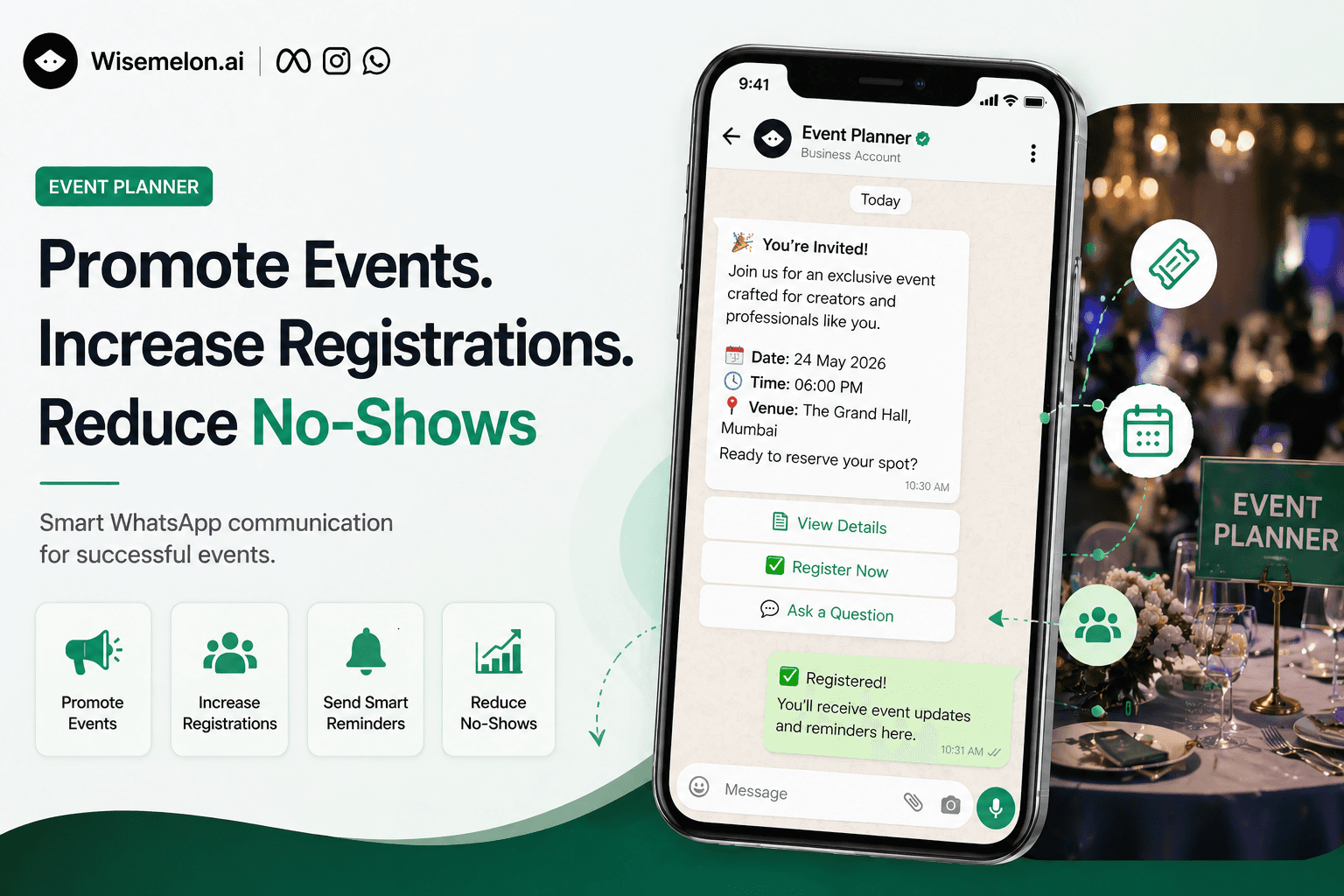
How to Promote Events on WhatsApp, Increase Registrations & Reduce No-Shows (Complete Guide)
Takes less than 5 minutes to read - but can double your event attendance.
Planning an event is hard work.
You finalize the venue, confirm speakers, and prepare everything perfectly-yet registrations stay low. And even worse, a large number of registered attendees don’t show up.
This isn’t a planning problem.
It’s a communication problem.
Most attendees don’t skip events intentionally. They forget, get distracted, or never feel engaged enough to commit.
If you want to increase registrations and reduce no-shows, you need to fix how you communicate-especially on platforms people actually check.
And today, that platform is WhatsApp.
Why WhatsApp is the Best Channel for Event Promotion
Unlike email or social media, WhatsApp messages are:
Opened quickly (often within minutes)
Highly visible (no algorithm limitations)
Personal and conversational
This makes it one of the most effective channels for event promotion and attendee engagement.
Instead of broadcasting your event once and hoping people respond, WhatsApp allows you to:
Start real conversations
Follow up instantly
Guide users toward registration
How to Promote Events on WhatsApp (That Actually Convert)
Most people make one mistake-they treat WhatsApp like email.
That doesn’t work.
Here’s a better approach:
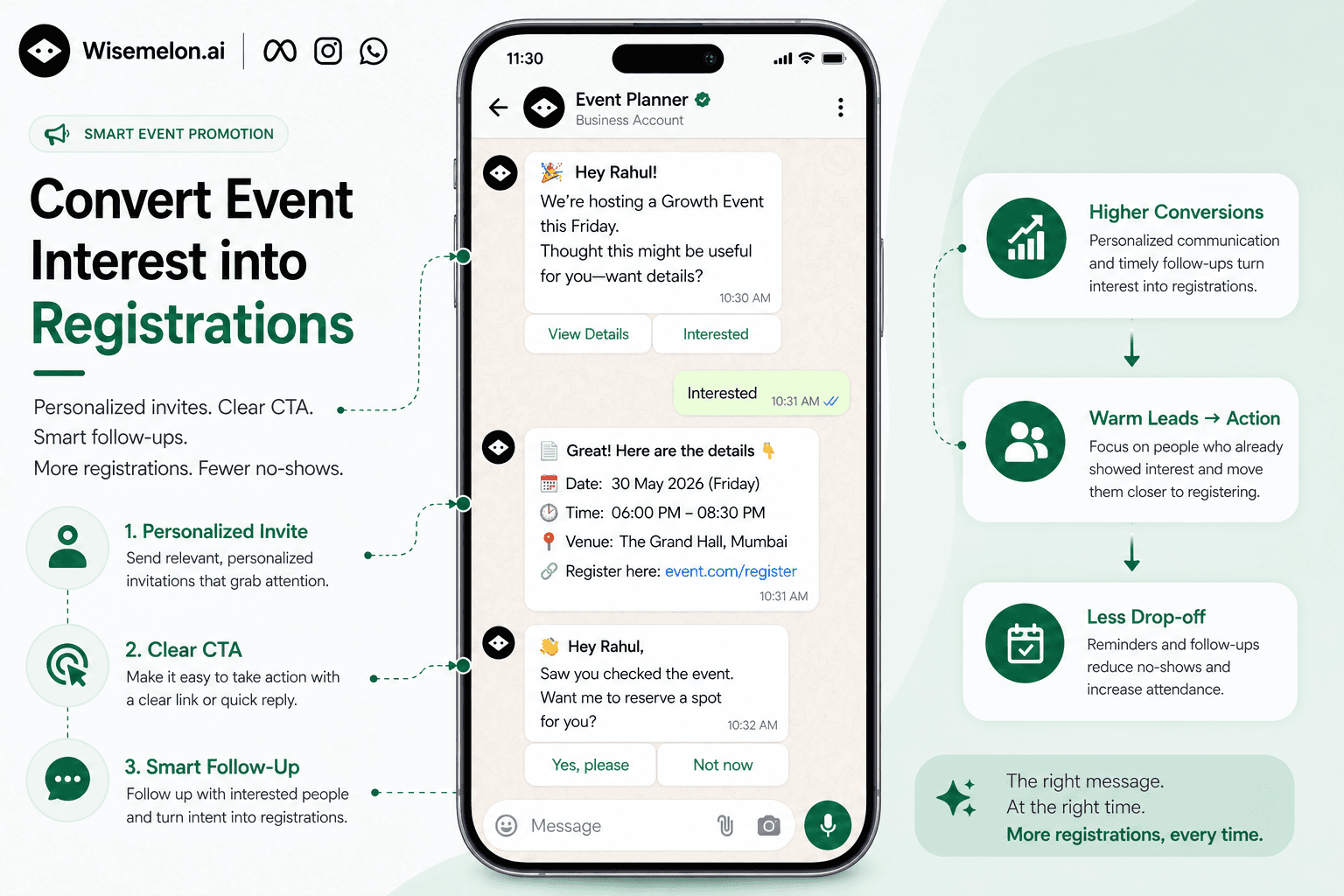
1. Send Personalized Event Invites
Avoid generic bulk messages. Instead:
Address people by name
Keep the message short
Focus on value
Example:
“Hey, we’re hosting a growth event this Friday. Thought this might be useful for you—want details?”
2. Add a Clear Call-to-Action (CTA)
Always include:
A registration link
Or a simple reply option (Yes / Interested)
Make it easy to act instantly.
3. Follow Up (This is Where Most Conversions Happen)
People rarely register on the first message.
Follow up with:
People who clicked but didn’t register
People who showed interest
Example:
“Hey, saw you checked the event. Want me to reserve a spot for you?”
This simple nudge can significantly increase conversions.
How to Increase Event Registrations (Without Spending More on Ads)
You don’t need more traffic.
You need better conversion.
Focus on Warm Leads Instead of Cold Reach
People who:
Clicked your link
Replied to your message
Viewed event details
…are already interested.
You just need to convert them.
Use These High-Converting Techniques:
Keep event details short and clear
Highlight key benefits (not just agenda)
Send reminders for incomplete registrations
Use conversational follow-ups
The goal is simple:
👉 Reduce friction between interest and action
How to Reduce Event No-Shows Using WhatsApp Reminders
No-shows happen because people forget-not because they aren’t interested.
Fix this with a structured reminder system.
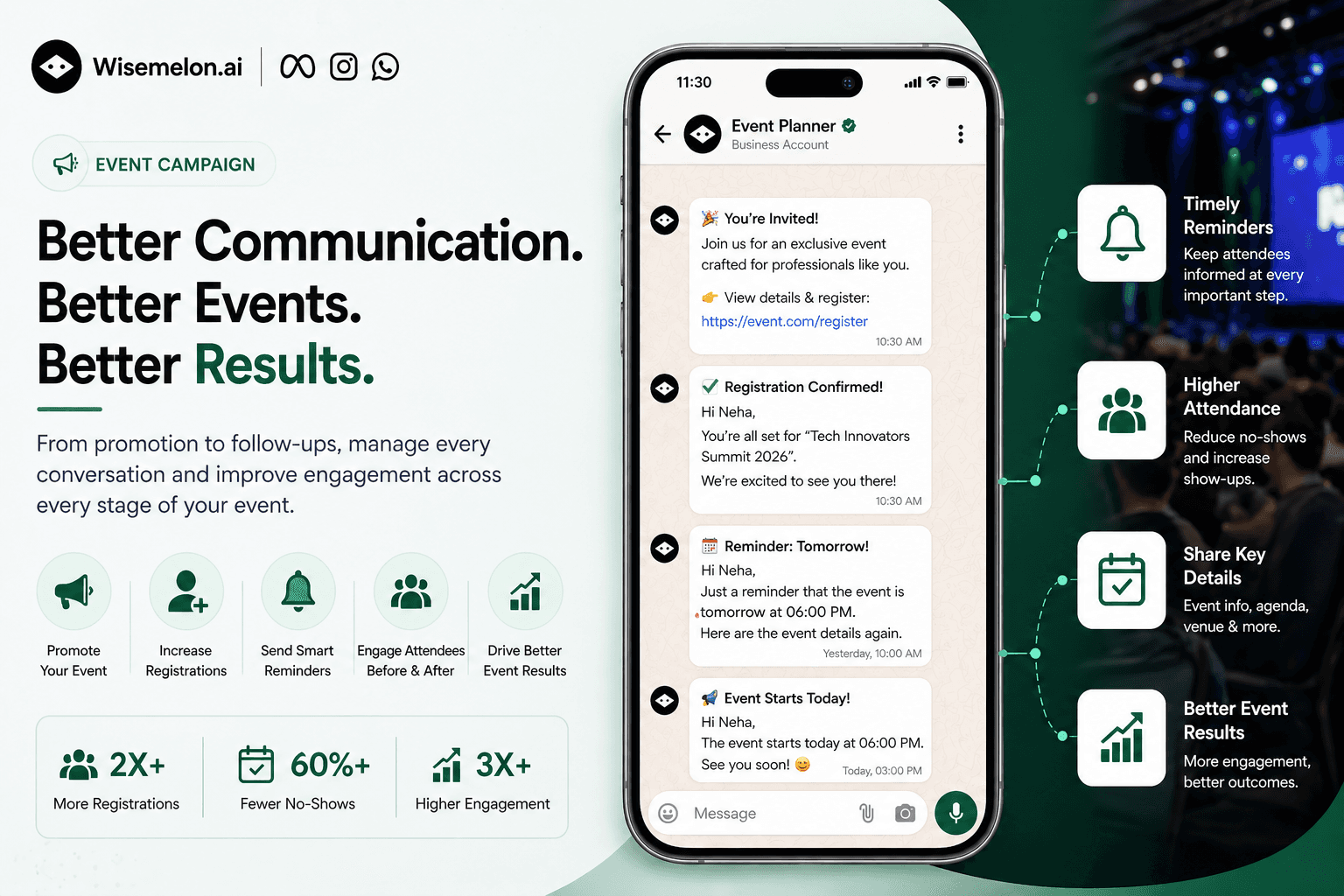
Proven Reminder Flow:
1. Immediately After Registration
Confirmation message + event details
2. 1 Day Before Event
Reminder + key highlights
3. Few Hours Before Event
Short, direct alert
Example:
“Reminder: Your event starts today at 6 PM. See you there.”
Why This Works:
Keeps the event top-of-mind
Builds commitment
Reduces last-minute drop-offs
How to Automate Event Communication at Scale
As your event grows, manual replies become impossible.
You’ll keep answering the same questions:
What’s the timing?
Where is the event?
How do I join?
Instead of repeating yourself, automate it.
What You Should Automate:
Instant replies to common questions
Registration confirmations
Follow-ups for interested users
Reminder sequences
Automation ensures:
Faster responses
Better attendee experience
Zero missed messages
How to Manage Event Attendees Efficiently
Handling conversations across multiple platforms is messy.
A better system:
Track all attendee chats in one place
Respond without missing leads
Organize communication by status (interested, registered, attended)
This becomes critical when:
You’re running multiple campaigns
You’re managing large events
How to Improve Event Engagement (Before & After)
Events don’t start when people arrive.
They start when people register.
Before the Event:
Share agenda updates
Build anticipation
Send sneak peeks
During the Event:
Send reminders
Share live updates if needed
After the Event:
Collect feedback
Share recordings or next steps
Promote future events
This keeps your audience engaged beyond a single interaction.
Bringing It All Together (The Scalable Approach)
Promoting events, managing conversations, and reducing no-shows are all connected.
When done manually:
It’s time-consuming
Inconsistent
Hard to scale
When structured properly:
It becomes predictable
Repeatable
Scalable
Tools like Wisemelon help simplify this by combining:
WhatsApp campaigns
Automated reminders & follow-ups
Centralized conversation management
AI-powered responses
So instead of juggling multiple tools, everything works in one system.
Final Thought
If your event has low registrations or high no-shows,
the problem is rarely the event itself.
It’s how you communicate.
When you reach the right people,
at the right time,
with the right message-
registrations increase,
attendance improves,
and your events perform the way they should.
And today, the most effective place to do that… is WhatsApp.
Newsletter
Enjoyed this read? Subscribe.
Discover design insights, project updates, and tips to elevate your work straight to your inbox.
Unsubscribe at any time
Written By
Teja
Updated on