Team Chat & Messaging
Keep conversations organised with direct messages, dedicated channels, threads, mentions and saved messages.
WiseMeet
Bring your teams, customers and communities closer with WiseMeet. Chat with colleagues, host video meetings, conduct online classes and organise webinars—all through one connected communication platform.
From everyday team conversations to large virtual events, WiseMeet makes it easier to communicate, collaborate and stay connected.
Core capabilities
Whether you’re coordinating with your team, speaking with a customer or hosting an online event, WiseMeet brings different ways of communicating into one workspace.
Keep conversations organised with direct messages, dedicated channels, threads, mentions and saved messages.
Have direct conversations with your team and contacts whenever a discussion needs a personal touch.
Connect with colleagues, clients and customers through one-to-one and group video meetings.
Host webinars, workshops, presentations and interactive sessions for audiences across different locations.
Deliver live classes, coaching sessions, training programmes and knowledge-sharing experiences.
Keep conversations going after meetings and webinars. Hosts can continue interacting with participants through chat without switching between applications.
Team communication & collaboration
Bring your entire team into one organised communication space. Create dedicated channels, exchange messages, discuss projects and keep important information accessible.
Create dedicated spaces for departments, projects, clients and team discussions. Keep relevant conversations together instead of mixing everything into one chat.
Respond to specific messages and maintain context without interrupting the main conversation.
Mention teammates to bring them into important discussions and make communication more relevant.
Connect privately with individual team members for quick questions, updates and discussions.
Keep important information and conversations accessible when you need them.
Let teammates know when you’re available and make team communication easier to coordinate.
Online meetings & video conferencing
Distance shouldn’t get in the way of important conversations. With WiseMeet, teams and businesses can connect through online meetings, whether they’re working remotely, meeting customers or collaborating across different locations.
Conduct private conversations with customers, colleagues, consultants and business partners through video meetings.
Bring multiple participants together for team discussions, collaborative sessions and business meetings.
Invite external participants using a meeting link. They can join through their browser or access meetings from within WiseMeet.
Choose the communication format that works best for your conversation.
From internal team discussions and client presentations to interviews and consultations, create a space for every important conversation.
Webinars & virtual events
Turn your knowledge, ideas and presentations into interactive virtual experiences. WiseMeet helps businesses, educators and professionals host webinars, workshops, training sessions and online events.
Attract potential customers, introduce your services and build relationships through informative online sessions.
Bring teachers, trainers, students and industry experts together for knowledge-sharing sessions.
Showcase new products, demonstrate capabilities and introduce your latest offerings to an online audience.
Conduct employee training, professional development programmes and interactive workshops.
Connect speakers, teams, customers and business communities through virtual events.
Once the session ends, the conversation doesn’t have to. Continue engaging with participants directly through WiseMeet chat. Answer questions, discuss ideas and maintain meaningful conversations without switching tools.
Industry use cases
Every industry communicates differently. WiseMeet gives professionals, organisations and businesses a common platform to connect, collaborate and engage through online communication.

Conduct online doctor consultations, remote follow-ups, specialist discussions and patient education sessions. Connect healthcare professionals and patients through virtual communication.

Conduct live classes, doubt-clearing sessions, parent-teacher meetings, guest lectures and online coaching programmes. Bring teachers and students together beyond physical classrooms.

Organise daily stand-ups, project discussions, technical meetings and product demonstrations. Keep developers, managers and distributed teams connected.

Host client presentations, campaign reviews, creative discussions, marketing workshops and lead-generation webinars. Connect internal teams and external clients.

Conduct client consultations, tax advisory sessions, financial planning meetings and educational webinars. Make professional services accessible remotely.

Present properties virtually, connect with buyers, conduct investor meetings and host project launch presentations.

Conduct candidate interviews, employee onboarding, internal HR meetings and virtual training programmes.
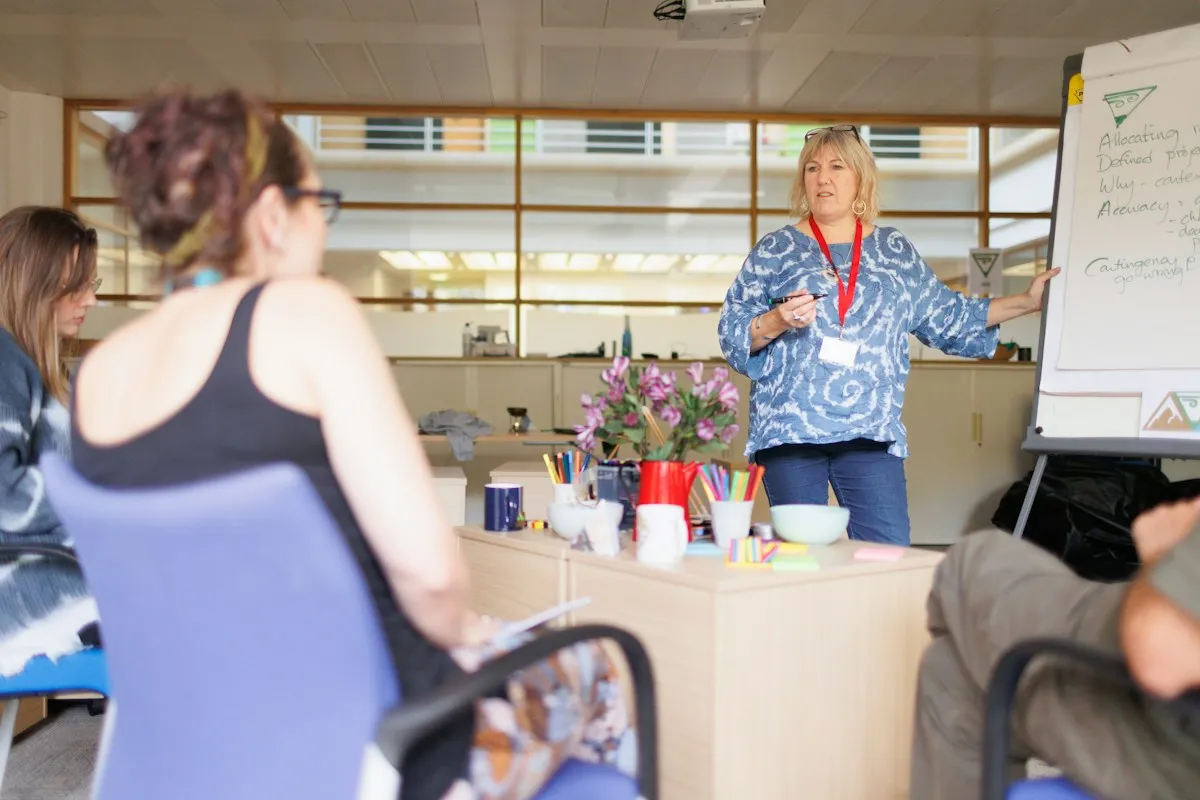
Deliver one-to-one coaching, group training, leadership workshops, certification programmes and paid virtual sessions.
Connected communication
Most businesses use different applications for internal communication, client meetings, online events and customer engagement.
WiseMeet brings team collaboration and external communication together, while connecting with the wider Wisemelon ecosystem.
Keep employees, departments and project teams connected through channels, direct messages and meetings.
Meet clients, conduct consultations and connect with external participants through browser-based meetings.
Host webinars and continue conversations with participants after the session through chat.
Use WiseMeet alongside Wisemelon’s campaigns, automation, customer engagement and business intelligence capabilities.
Why WiseMeet
Give your organisation a central place to communicate, meet and collaborate.
Bring messaging, voice calls, video meetings and webinars together.
Connect with internal teams and external participants through browser links.
Keep discussions structured with channels, threads, mentions and direct messages.
Move from a conversation to a meeting, and from a live session to continued chat.
Support collaboration, education, consultations, training and virtual events.
Work alongside the wider Wisemelon communication and automation platform.
WiseMeet is an online communication and collaboration platform that brings team messaging, voice and video meetings, webinars and virtual engagement together. It helps businesses, educators and professionals connect with teams, customers and audiences.
Yes. WiseMeet supports one-to-one and group meetings, allowing teams, businesses and professionals to connect remotely.
Participants can join through a browser link or access meetings from within WiseMeet, making it convenient to connect with external customers, clients, students and partners.
Yes. Businesses and organisations can host webinars, online presentations, workshops, training sessions and virtual events.
Yes. Educational institutions can use WiseMeet for live classes, online coaching, doubt-clearing sessions, guest lectures and parent-teacher meetings.
Healthcare professionals can use video meetings to connect with patients remotely, conduct consultations and arrange follow-up discussions. Any healthcare-specific privacy, security and regulatory requirements should be validated for the intended deployment.
Yes. WiseMeet includes channels, direct messages, threads, mentions, saved messages and availability status for organised team communication.
WiseMeet
Whether you’re managing a team, connecting with customers, teaching students or hosting webinars, WiseMeet gives you one place to communicate and collaborate.
Start creating better virtual experiences with WiseMeet.